 Nib
Bring it in
Bring your writing from the app you use now, then keep it in order. Importing is free.
From where you write now
In Settings → Advanced, choose Import notes, then the export or backup your app makes:
- Apple Notes, Google Keep, Obsidian and Evernote;
- Bear, Simplenote, Notesnook and Joplin;
- UpNote, Zoho Notebook, FuseBase and ColorNote;
- Markdown files and Word documents.
Headings, lists, checklists, tables, links and pictures come with them. Their folders and tags come in as Nib’s folders and categories. Plus
Keep it in order
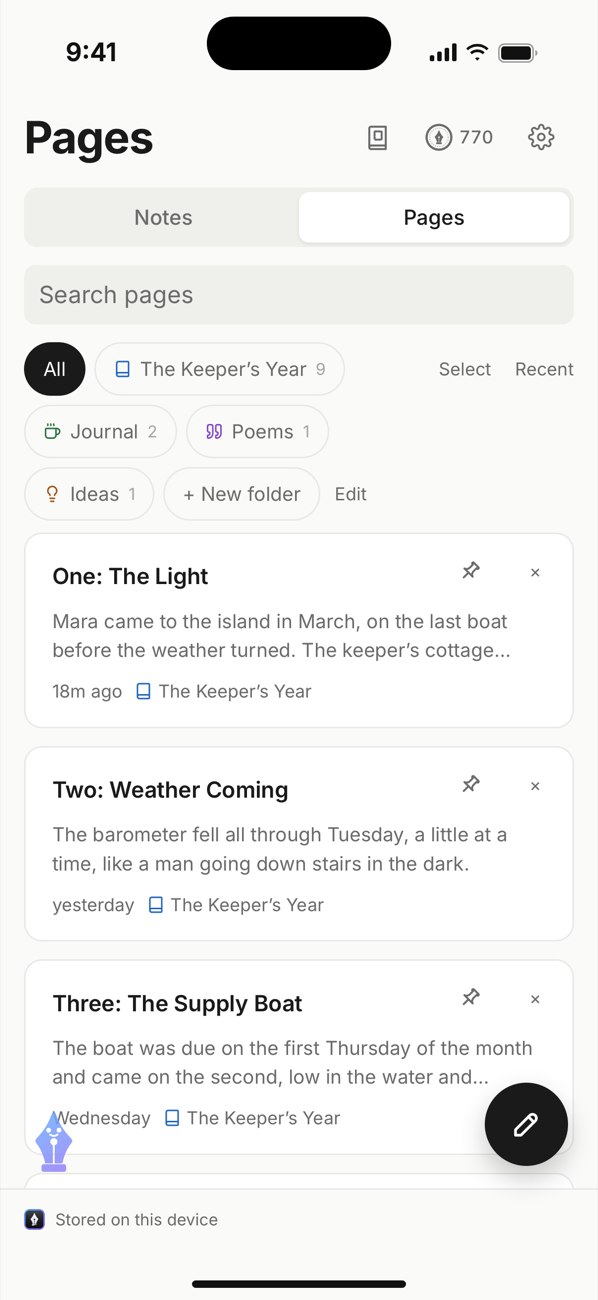
- Your notes and pages as cards in your library. Pin what matters, archive what doesn’t, or select several at once.
- Folders inside folders, in an order of your own: drag a folder along the row. Three folders and three categories are free. As many as you like with Plus
- A colour and an icon for each folder. Plus
And take it out again
- Export as Markdown, and back up your whole library, free for ever.
- Export to Word, PDF and HTML. Plus